
Anycubic Kobra X: warping and corners lifting off the bed
Corners peeling up from the plate? Why it happens in winter, what draughts have to do with it, and the quickest fix to save the print.
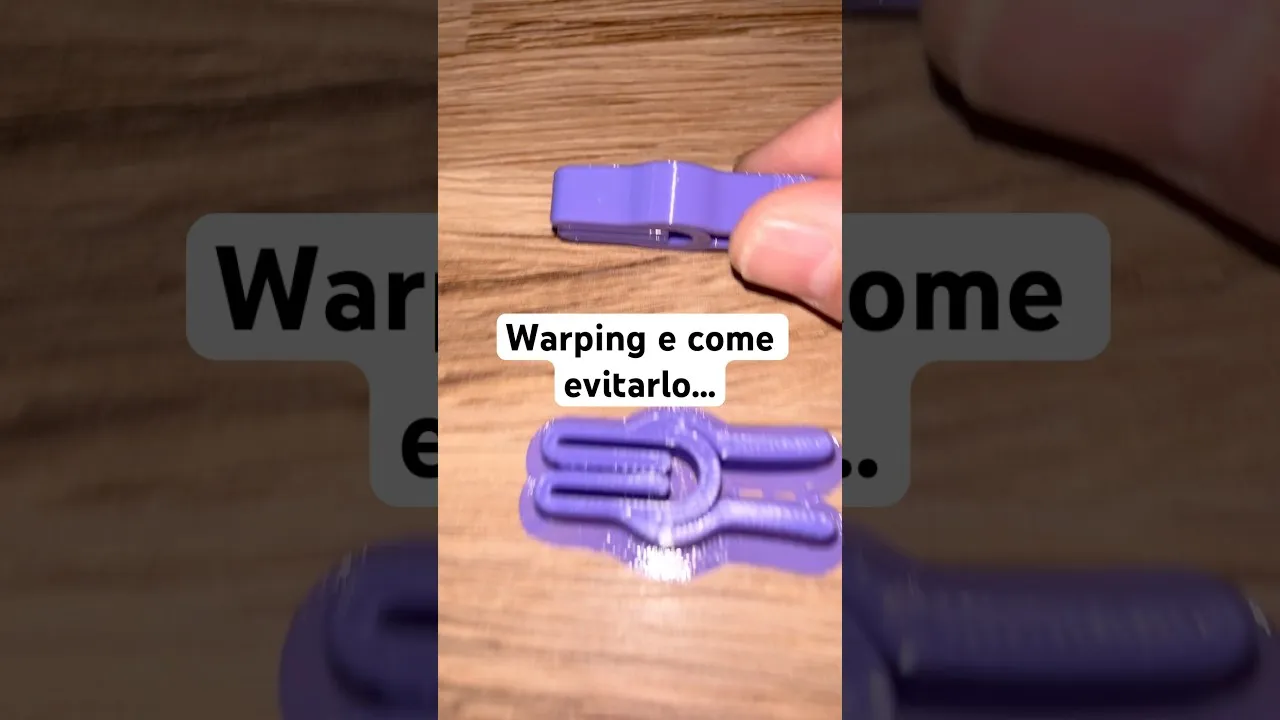
Warping is the defect where the corners of a part lift off the bed during printing. In mild cases it deforms the base; in bad ones the part detaches completely and the print is lost.
On the Kobra X I hit it in one very specific situation, and it’s the same one almost everybody hits: in winter, in an unheated room, below 20 °C.
Why it happens
Material leaves the hot nozzle and shrinks as it cools. If that cooling is too fast or uneven, the lower layers contract while the ones above are still hot: the resulting tension pulls the corners upward until it overcomes adhesion to the bed.
The conditions that trigger it, in order of how often they’re the culprit:
- A cold room, below 20 °C
- Draughts, which cool one area of the part more than the rest — often worse than cold alone, because they create an imbalance
- A bed that isn’t hot enough
- Poor adhesion, from a dirty or unprepared surface
Corners go first because they’re where shrinkage pulls from two directions at once.
The quickest fix
Add a brim. It’s a skirt of material the slicer builds around the base of the part, increasing its contact area with the bed. Every slicer has the option.
It’s the fastest fix and it’s often enough to save the print, because it attacks the weak point directly: it doesn’t prevent contraction, it opposes it with far more adhered area.
What to do if that isn’t enough
If the brim alone doesn’t solve it, the next three steps, in order of effectiveness:
- Eliminate draughts. Shut the window, move the printer away from the door. Even a cardboard box over the top makes a difference.
- Raise the bed temperature a few degrees above the stock profile.
- Clean the bed with isopropyl alcohol. Finger grease causes far more detachment than people think, and you can’t see it.
If you regularly print materials that shrink a lot, the structural answer is an enclosure: it’s the reason machines designed for ABS and ASA are enclosed and heated.
Firmware
Separate, but useful: the Kobra X receives firmware updates. Keeping it current is the cheapest way to fix problems somebody else has already reported.
The videos, in order
Warping: why it happens and how to fix it
The classic case of winter printing in an unheated room.
Firmware update 1.2.0.2