
Snapmaker U1: common errors and how to fix them
Axis movement anomaly, jammed filament and bad prints blamed on moisture: the real problems on the U1 and the fixes that actually worked.
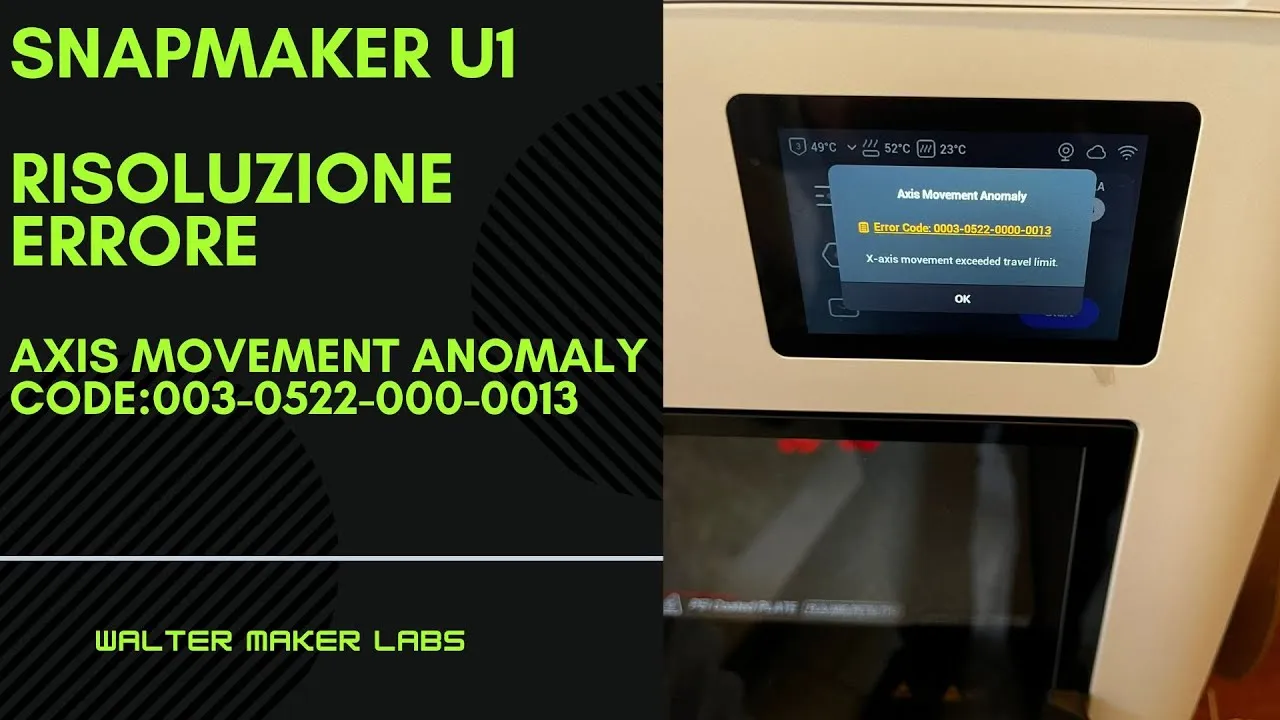
The problems I’ve hit on the U1 share one characteristic: they look like mechanical faults and almost never are. The most instructive is the first.
Axis movement anomaly: it isn’t the mechanics
Mid-print, axis movement anomaly appears. The name suggests a seizing axis, a loose belt, a carriage hitting something — and the instinctive reaction is to start dismantling.
The cause is software. It’s a Snapmaker Orca bug tied to the purge tower set by default.
The fix is a change to the purge tower configuration in the slicer. No hardware work, no calibration, no spare parts: just a setting.
It’s the kind of problem that costs people entire days when they attack it from the wrong side, because every mechanical check comes back clean and it feels like there’s nothing to find.
Why it happens: the purge tower is a structure the machine builds beside the part to dump material at each tool change. If its coordinates end up outside the usable area, or conflict with the movement sequence, the firmware detects a displacement that doesn’t match what it expected and stops — reporting an axis anomaly, which is what it genuinely measures, even though that isn’t the cause.
The moral: on a toolchanger, check the slicer before you open the printer.
Jammed filament
It happens, and on the U1 the full sequence for clearing it is shown in the video. No spare parts needed.
Moisture: when it is, and when it isn’t
Two videos in two days, and they’re the most useful pair in the series, because they cover the two sides of the same question.
Damp filament is a real problem. PLA absorbs water from the air; during printing that water flashes to steam in the nozzle and produces microbubbles. The result is dull surfaces, faint crackling during extrusion, and more brittle parts.
But it isn’t the cause of everything. The second video shows a bad print that has nothing to do with moisture. Humidity has become the default explanation for any defect, and that leads people to dry perfectly dry spools instead of hunting the real cause — which might be temperature, speed, a wrong profile or cooling.
The sensible method: before blaming moisture, ask whether the defect is consistent with moisture. Bubbles, crackling and dull surfaces, yes. A corner lifting off the bed or a dimension being out, no.
In short
| Symptom | Where to look first |
|---|---|
axis movement anomaly |
The slicer, not the mechanics: purge tower |
| Jammed filament | The filament path, without dismantling |
| Dull surfaces, crackling | Filament moisture |
| Dimensional or adhesion faults | Anything except moisture |
The videos, in order
Axis movement anomaly error
Not mechanical: it's the purge tower set by default in Snapmaker Orca.
Jammed filament
How to free it without dismantling half the machine.
Fighting damp filament
A bad print, but moisture wasn't the cause